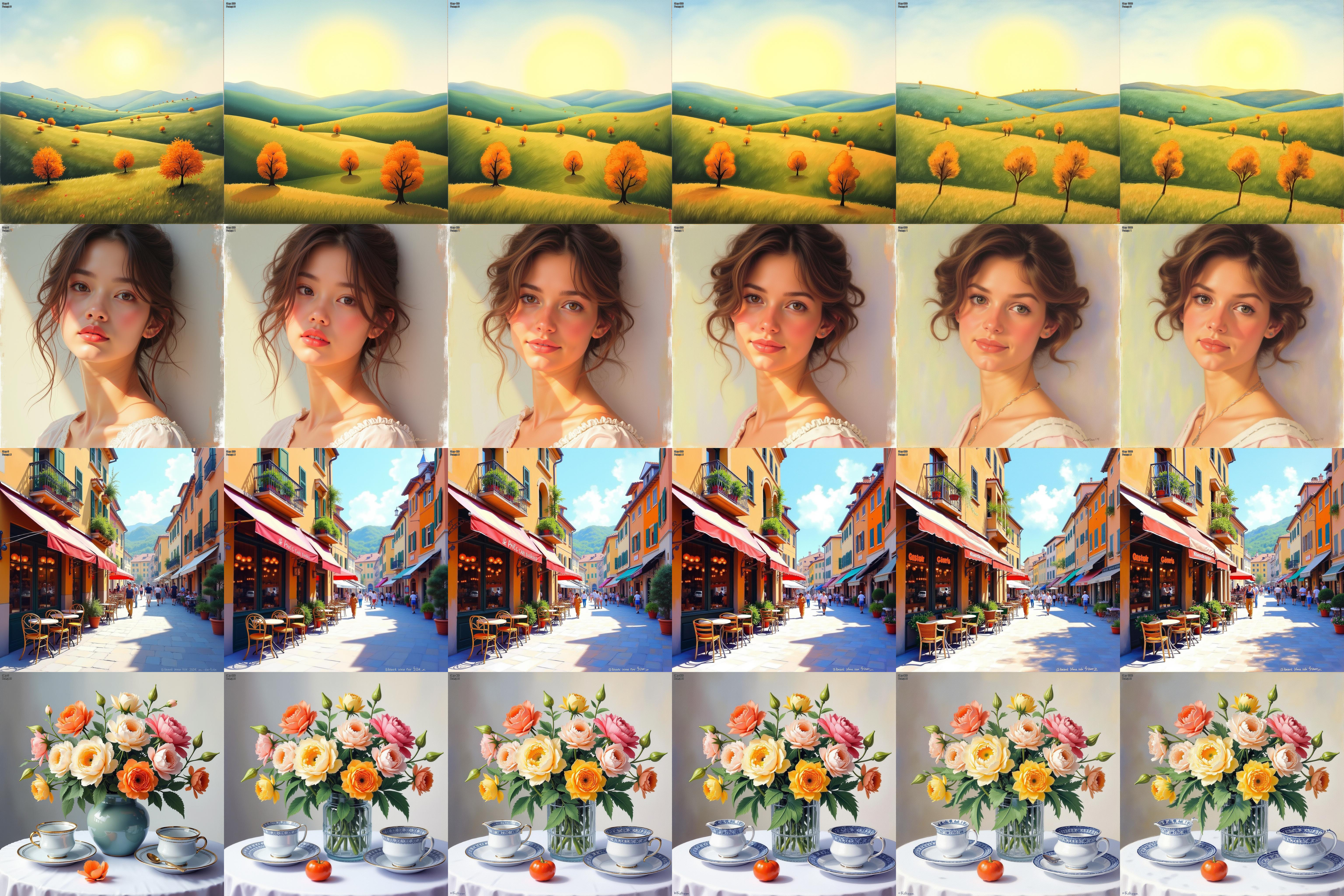
Instructions to use dolphinium/FLUX.1-dev-wikiart-impressionism-v2 with libraries, inference providers, notebooks, and local apps. Follow these links to get started.
- Libraries
- Diffusers
How to use dolphinium/FLUX.1-dev-wikiart-impressionism-v2 with Diffusers:
pip install -U diffusers transformers accelerate
import torch from diffusers import DiffusionPipeline # switch to "mps" for apple devices pipe = DiffusionPipeline.from_pretrained("black-forest-labs/FLUX.1-dev", dtype=torch.bfloat16, device_map="cuda") pipe.load_lora_weights("dolphinium/FLUX.1-dev-wikiart-impressionism-v2") prompt = "An impressionist painting portrays a vast landscape with gently rolling hills under a radiant sky. Clusters of autumn trees dot the scene, rendered with loose, expressive brushstrokes and a palette of warm oranges, deep greens, and soft blues, creating a sense of tranquil, natural beauty" image = pipe(prompt).images[0] - Inference
- Notebooks
- Google Colab
- Kaggle
- Local Apps Settings
- Draw Things
- DiffusionBee
- Xet hash:
- 893d71216343b3f9891c6731442b2eb3e2c19600f627fecda1883bc12956dae0
- Size of remote file:
- 32.2 MB
- SHA256:
- 649165a9f4142879001acdafb045fbc69f73cb15256e9f4edd3dbdab30fb8377
·
Xet efficiently stores Large Files inside Git, intelligently splitting files into unique chunks and accelerating uploads and downloads. More info.